Ergonomic Risk Assessment for Standing Work: An 8-Part Checklist for EHS Teams
Quick answer
An ergonomic risk assessment for standing work is a structured walk-through of the conditions that make standing jobs harder on the body than they need to be. It covers 8 areas: workstation layout, flooring, standing duration, fatigue indicators, injury risk, environment, footwear and training, and cost impact. Our free assessment covers all 41 checkpoints and gives you a downloadable report.
What is an ergonomic risk assessment for standing work?
An ergonomic risk assessment for standing work is a structured walk-through that identifies the conditions making standing jobs harder on the body than they need to be. It looks at workstation layout, flooring, how long people stand, early signs of fatigue, injury risk, the environment, training and cost impact.
The output is a short list of priority areas and fixes, documented so EHS, facilities and operations can act on it together. This guide explains each area, how to run the assessment and what to fix first.
Why does standing work need its own assessment?
Prolonged standing is a recognized occupational health risk, and most safety audits aren't designed to catch it. Walk-throughs focus on machines, PPE and spills. The surface people stand on for eight hours rarely makes the list.
The health effects are well documented. The Canadian Centre for Occupational Health and Safety (CCOHS) notes that regular standing work can cause sore feet, leg swelling, varicose veins, muscular fatigue, low back pain, and neck and shoulder stiffness. A NIOSH review of the research concluded there is ample evidence that prolonged standing at work leads to adverse health outcomes, and that certain interventions are effective at reducing the risk.
There's no OSHA ergonomics standard, but there is still a duty. OSHA's ergonomics standard was repealed by Congress in 2001. Ergonomic hazards can still be cited under Section 5(a)(1) of the OSH Act, the General Duty Clause, which requires a workplace free from recognized hazards likely to cause serious physical harm. Documenting that you've assessed standing risk, and what you did about it, is part of showing due diligence.
The fixes are mostly practical. CCOHS recommends adjustable work heights, keeping common items within reach, frequent changes of position, supportive footwear and floor mats for standing on hard floors. In NIOSH's hierarchy of controls, changing the work environment, for example with anti-fatigue matting or adjustable workstations, is an engineering control. It ranks above administrative controls like break schedules because it doesn't depend on people remembering to do something.
What does an ergonomic risk assessment for standing work cover?
A complete assessment covers 8 areas and 41 checkpoints.
| # | Area | What it checks | Checkpoints |
|---|---|---|---|
| 1 | Workstation layout & design | Work height, reach, room to shift weight | 6 |
| 2 | Flooring & surface conditions | Floor hardness, damage, slip resistance, transitions | 6 |
| 3 | Standing duration & task demands | Time on feet, rotation, micro-breaks | 5 |
| 4 | Fatigue & discomfort indicators | Pain reports, makeshift fixes, new-hire complaints | 5 |
| 5 | Safety & injury risk | Slips, trips, instability, MSD tracking | 5 |
| 6 | Environmental conditions | Lighting, temperature, noise, equipment placement | 4 |
| 7 | Footwear, training & policy | Footwear rules, supervisor training, onboarding | 5 |
| 8 | Operational & cost impact | Productivity, errors, absenteeism, turnover | 5 |
1. Workstation layout and design
Posture problems start with height, reach and room to move. Check whether work surfaces suit most of the people using them, whether common tools are within easy reach, and whether there's a clear zone to shift weight without tripping over cords, boxes or equipment. CCOHS recommends using elbow height as the guide for setting standing work surfaces.
2. Flooring and surface conditions
Concrete, tile and other hard floors don't give, so the body absorbs every hour of standing. Identify high-fatigue zones such as checkout lanes, prep counters, pharmacy counters and assembly stations. Then check for damaged or uneven floors, slick surfaces and rough transitions between floor types.
If matting is already down, check its condition. A mat that has flattened where people stand most, or one with curled edges, has stopped working and may have become a trip hazard.
3. Standing duration and task demands
Static standing is the risk; movement is part of the fix. Note which roles stand for more than two hours at a stretch, whether schedules allow rotation or micro-breaks, and whether tasks alternate between standing, reaching and walking. Prioritize the stations where people stand longest.
4. Fatigue and discomfort indicators
Your team is often already telling you where the problems are. Look for end-of-shift complaints about feet, legs, knees or back, and for patterns tied to specific stations. A strong signal is people improvising their own fixes, such as cardboard, folded towels or worn-out mats from somewhere else.
5. Safety and injury risk
This area connects comfort to recordable incidents. Review slip, trip and fall reports tied to workstation surfaces. Note any surfaces that feel unstable underfoot, and check whether musculoskeletal complaints are tracked by area. Confirm whether standing-surface fixes are part of the site's injury-prevention plan or handled ad hoc.
6. Environmental conditions
Light, temperature, noise and equipment placement all change how people stand. Poor lighting leads to leaning and overreaching. Heat adds to leg swelling during long shifts. Badly placed equipment forces repeated twisting.
7. Footwear, training and policy
Good surfaces work best with good habits and clear standards. Check whether supportive, non-slip footwear is required, whether supervisors are trained to spot ergonomic risk factors, and whether standing-work guidance is part of onboarding and consistent across locations.
8. Operational and cost impact
Fatigue shows up in the numbers before it shows up in a claim. Look for slower output late in shifts, error rates tied to end-of-shift fatigue, and higher absenteeism or turnover in standing-heavy roles. Also look for improvements you can make without a major renovation, since those are usually the fastest wins.
How do you run an ergonomic risk assessment?
You don't need special equipment, just time on the floor and a few conversations. Here's a simple process.
- Pick the stations. Start with the jobs where people stand longest and complain most.
- Walk the floor during a real shift. Observe posture, weight shifting, reaching and any makeshift fixes. Late-shift observations show fatigue best.
- Talk to the people doing the work. Ask where it hurts, when it starts and what they've tried. Their answers often point straight at the problem.
- Score each checkpoint. Use the free assessment to mark each of the 41 items as in place or not.
- Pull your data. Match what you saw to incident logs, MSD reports, absenteeism and turnover for the same areas.
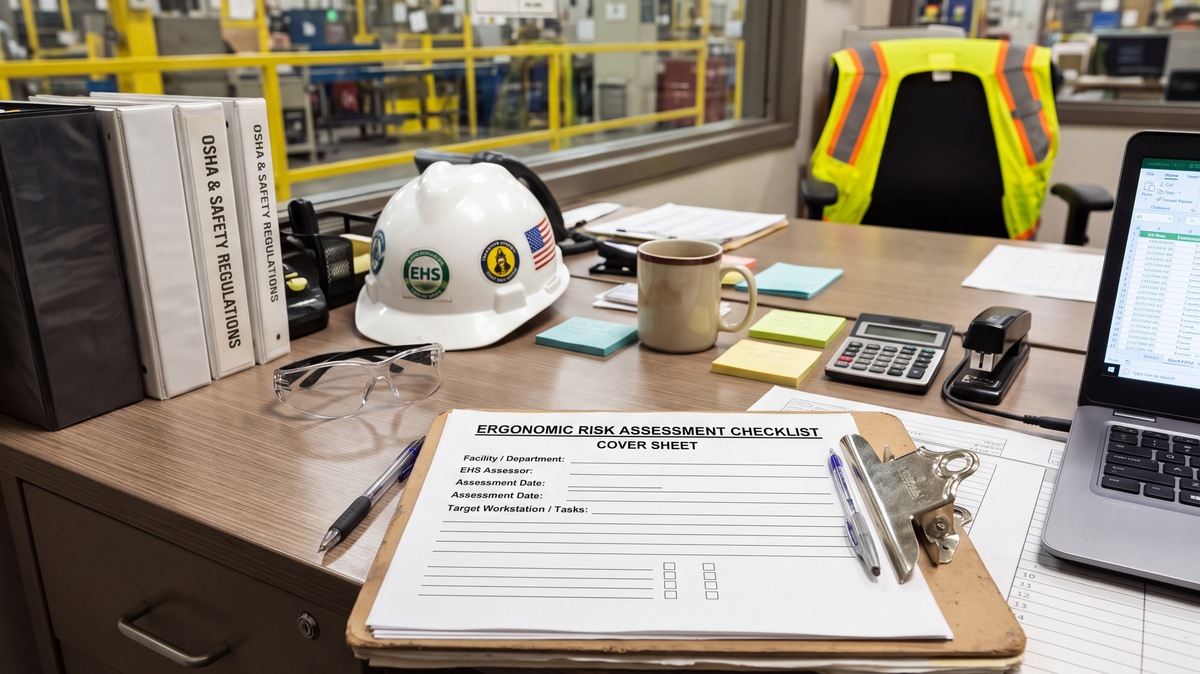
- Download the report. Save it to your safety file as documentation that the risk was assessed.
- Reassess after changes. Repeat the assessment after you make fixes, and at least once a year, to confirm they're working.
What should you fix first?
Fix the conditions that affect the most people for the most hours, starting with engineering controls that don't depend on behavior.
- Start with the floor at your highest-fatigue stations. Surfaces affect every minute of every shift, and a properly specified anti-fatigue mat can be in place within days, without a renovation.
- Replace failed mats and makeshift fixes. Flattened foam, curled edges and cardboard are both a comfort problem and a trip hazard.
- Adjust work height and reach. Raise or lower surfaces, or add platforms, so the work sits at the right height for the person doing it.
- Build movement into the job. Add rotation, micro-breaks and, where the work allows, a seat or sit-stand option.
- Back it up with policy. Set footwear standards, train supervisors and add standing-work guidance to onboarding.
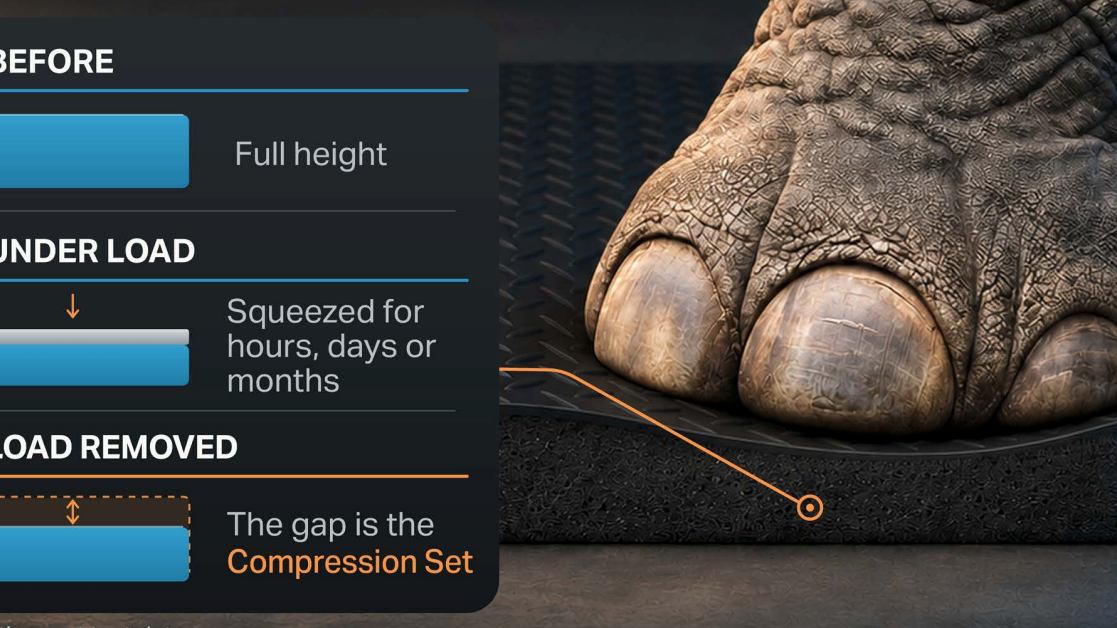
Softer isn't automatically better. A mat that's too squishy makes the body work harder to stay balanced, and low-density foam flattens where people stand most. Look for a surface that gives a little and pushes back, holds that feel under sustained load, and has beveled edges that stay flat.
Frequently asked questions
Does OSHA require an ergonomic risk assessment?
OSHA has no specific ergonomics standard, so there's no federal rule requiring a formal assessment. Ergonomic hazards can still be cited under the General Duty Clause, Section 5(a)(1) of the OSH Act. A documented assessment shows you identified the risk and acted on it.
What are the health risks of prolonged standing at work?
According to CCOHS, regular standing work can cause sore feet, leg swelling, varicose veins, muscular fatigue, low back pain, and neck and shoulder stiffness. A NIOSH review found ample evidence linking prolonged standing at work to adverse health outcomes.
How long is too long to stand at work?
There's no single federal limit. A practical flag is any role where people routinely stand for more than two hours at a time without the chance to sit, move or change position. The assessment uses this as its standing-duration checkpoint.
Are anti-fatigue mats an engineering control?
Yes. In the NIOSH hierarchy of controls, changing the work environment counts as an engineering control. Anti-fatigue matting reduces exposure at the source instead of relying on behavior, which ranks it above administrative controls like break schedules.
What are signs that standing is causing problems?
Common signs include end-of-shift complaints about feet, legs, knees or back. Others are workers constantly shifting their weight, new hires reporting discomfort in their first months, and people using cardboard, towels or old mats as makeshift cushioning.
Is a softer anti-fatigue mat better?
Not necessarily. A mat that's too squishy makes muscles work harder to keep you balanced, and low-density foam flattens quickly where people stand most. The best mats give slightly, push back and hold that feel over years of use.
How often should we reassess?
Reassess after any change to workstations, flooring or staffing, and at least once a year. Repeating the same checklist makes it easy to show progress.
Free EHS tool
Start your assessment
Standing risk builds up over every shift, in every role that keeps people on their feet. Score all 41 checkpoints, see your priority areas and download a report for your safety file.
Start the free assessmentIf flooring comes up as a priority, our team can help you spec matting for each zone.
Sources
- CCOHS: Working in a Standing Position, Basic Information
- Waters & Dick (NIOSH), Evidence of Health Risks Associated with Prolonged Standing at Work and Intervention Effectiveness
- OSHA Standard Interpretation, February 13, 2015
- J. J. Keller: Federal OSHA requirements for ergonomics
Blog posts
The Spec Almost Nobody Asks About: A Buyer's Guide to Compression Set
Ergonomic Risk Assessment for Standing Work: An 8-Part Checklist for EHS Teams