

HOW IT WORKS

DESIGN IT
Start from a rectangle, a runner with turns, or a large area mat. Set exact dimensions, add angles, and choose your edges and color.

PRICE IT
A live estimate updates with every change you make. No phone calls, no waiting for a callback to find out what it costs.

ORDER IT
Save your design and submit it. Our team reviews every custom mat, confirms the details, and sends you a final quote that's ready to order.

Design Your Perfect WellnessMat + Get 35% Off Your Order.
Create any size, shape, and layout with our Custom Mat Builder.Many companies offer mats, but most require trade-offs I found unacceptable. Only Wellness mats met all of my requirements for high quality & cushiony material, easy care and color range.
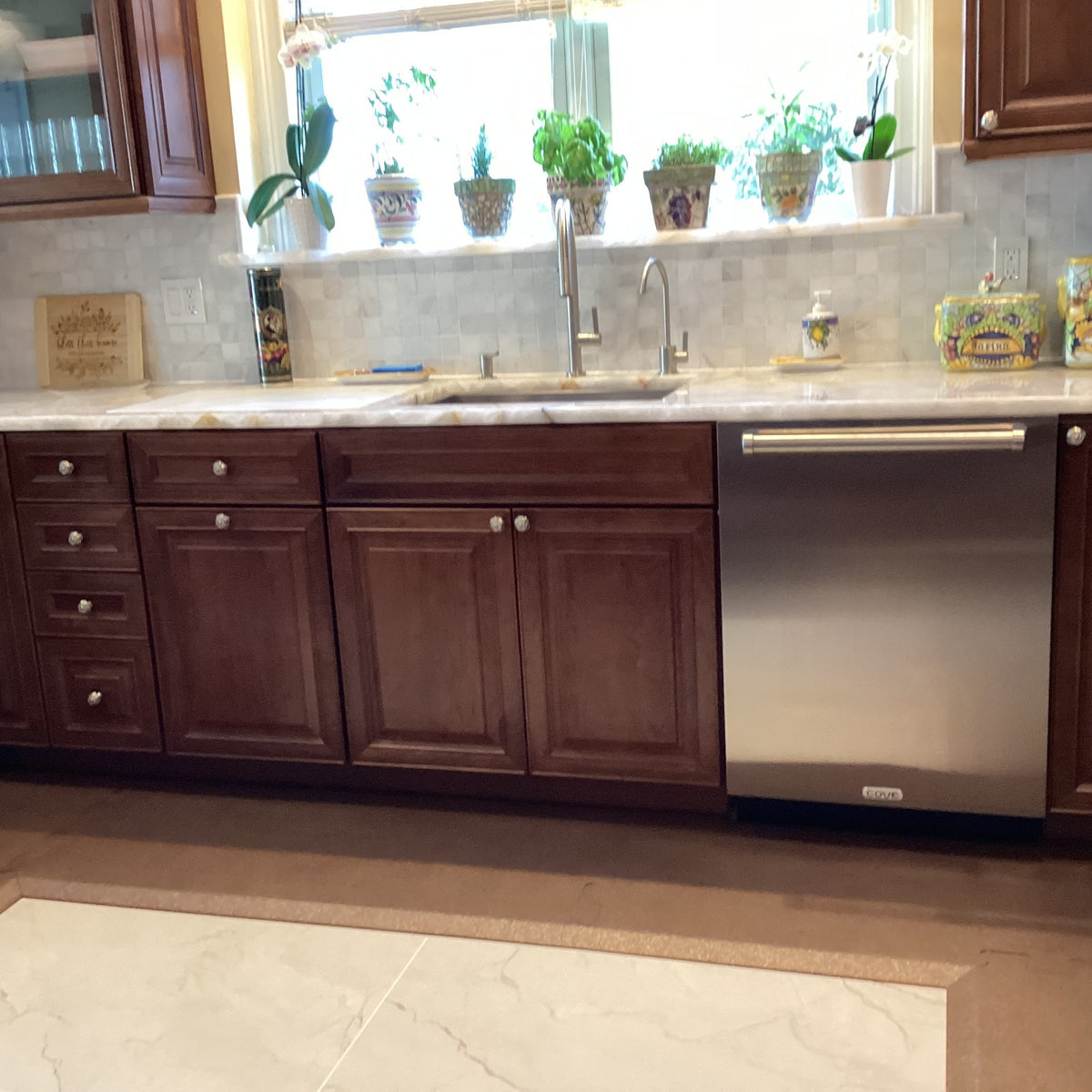
Made to fit. Built to last.

Any Shape You Need
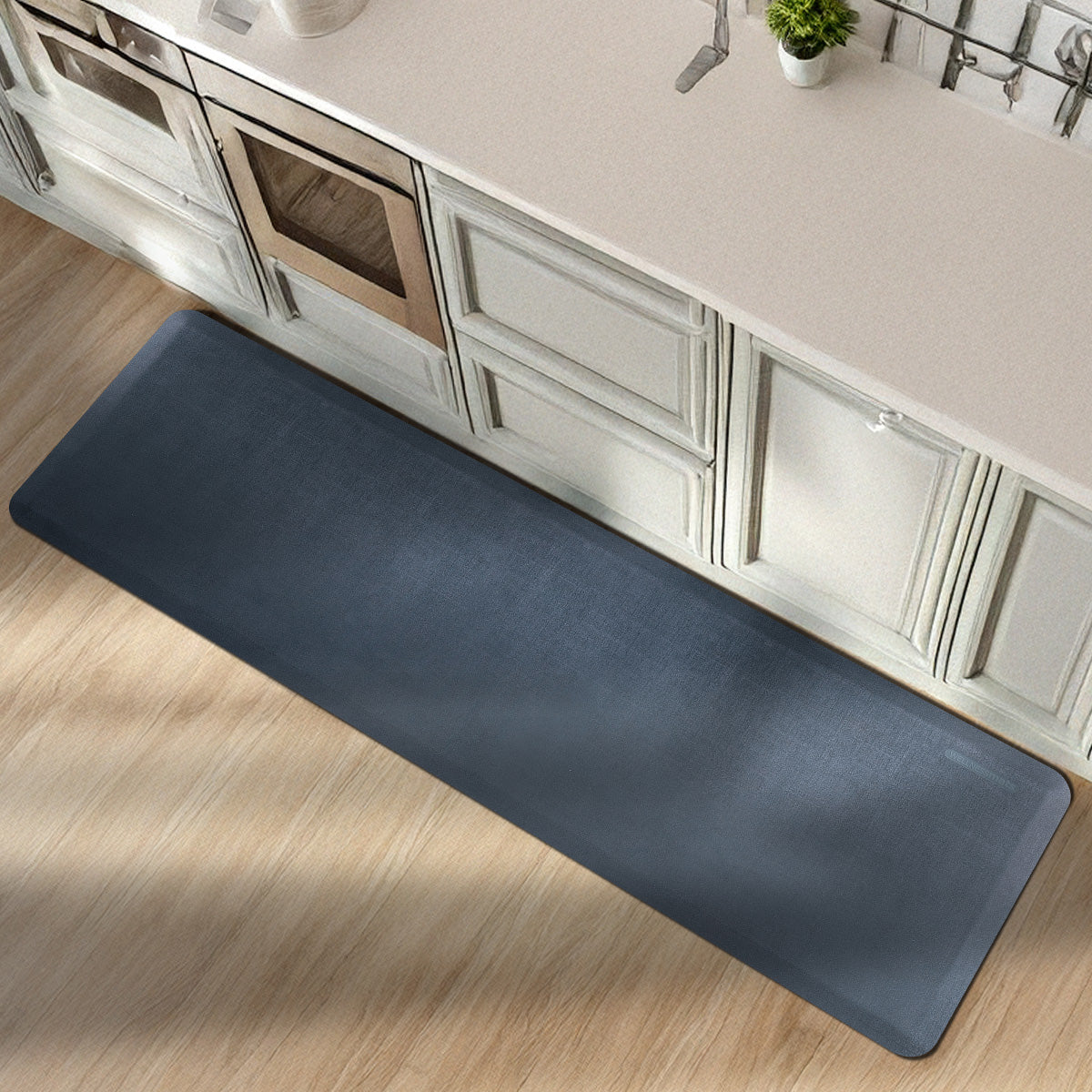
Rectangles, runners that turn corners, and large area mats, designed around your counters, equipment, and walkways.

Exact dimensions
Work in real inches. The builder checks your design as you go, so what you draw is always something that can be built.

Live price estimates
See the estimate change as you adjust size, shape, and options. Know where you stand before you ever submit.

Big mats, smart seams
Oversized designs are automatically split into interlocking sections that fit together precisely, with no guesswork on your end.

WellnessMats comfort
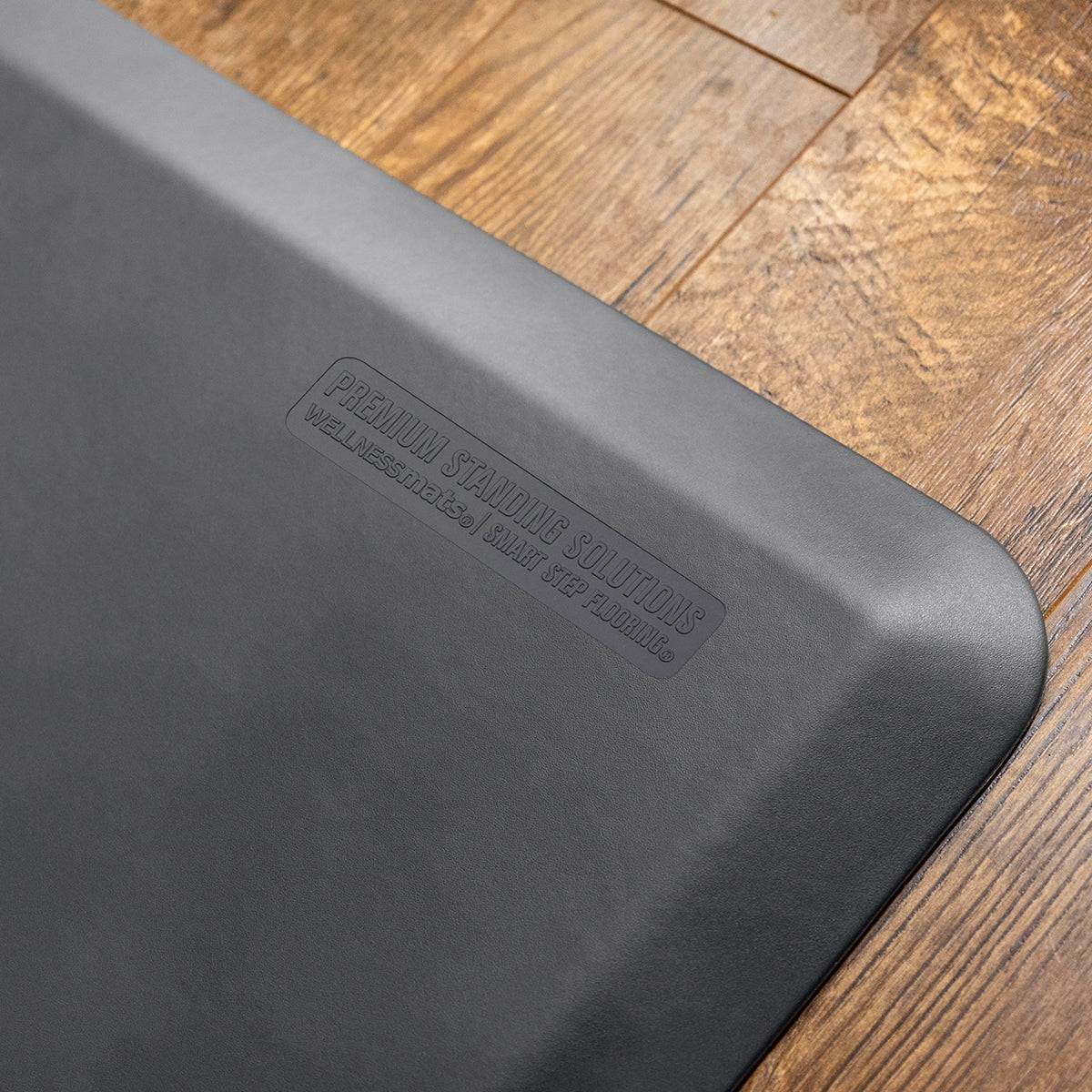
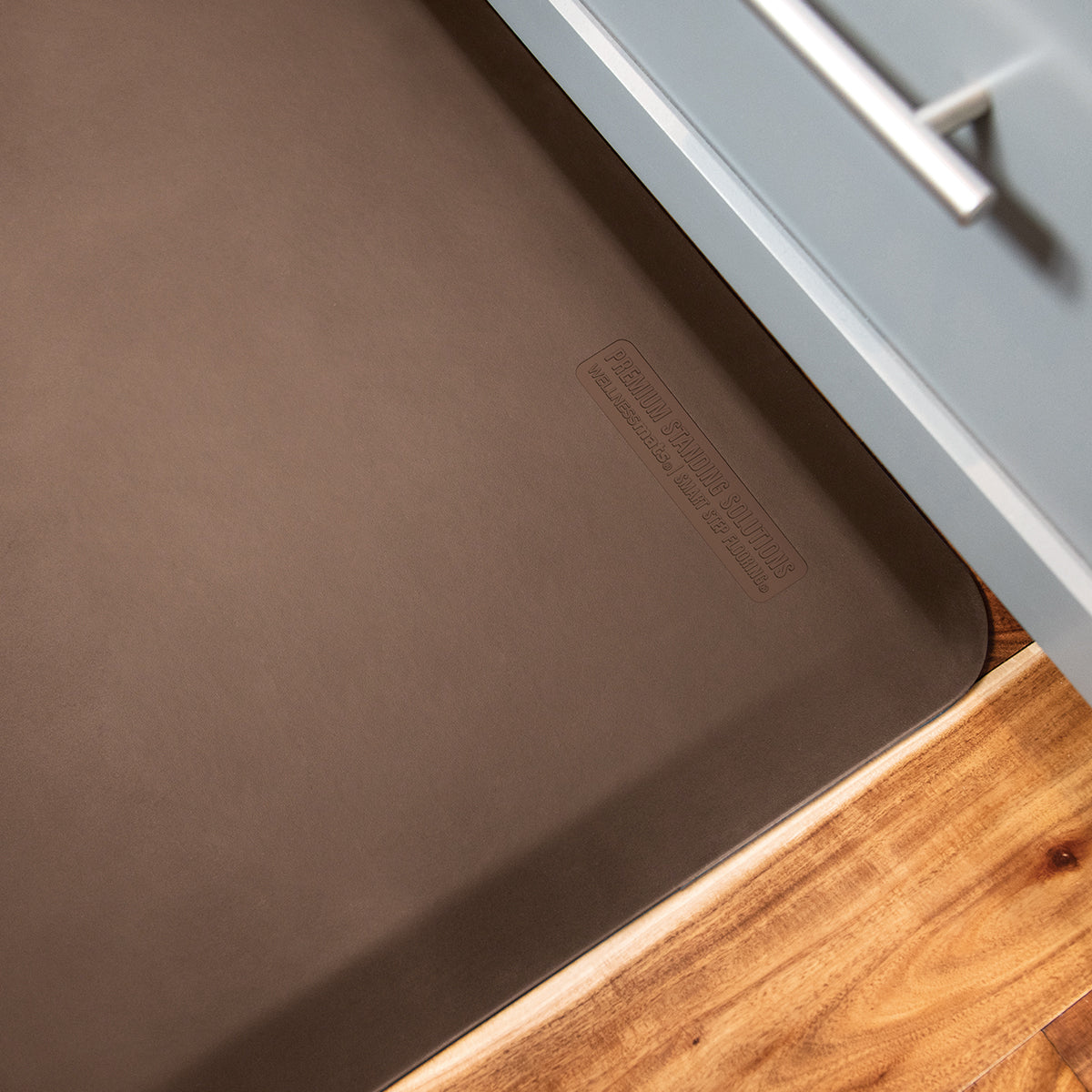
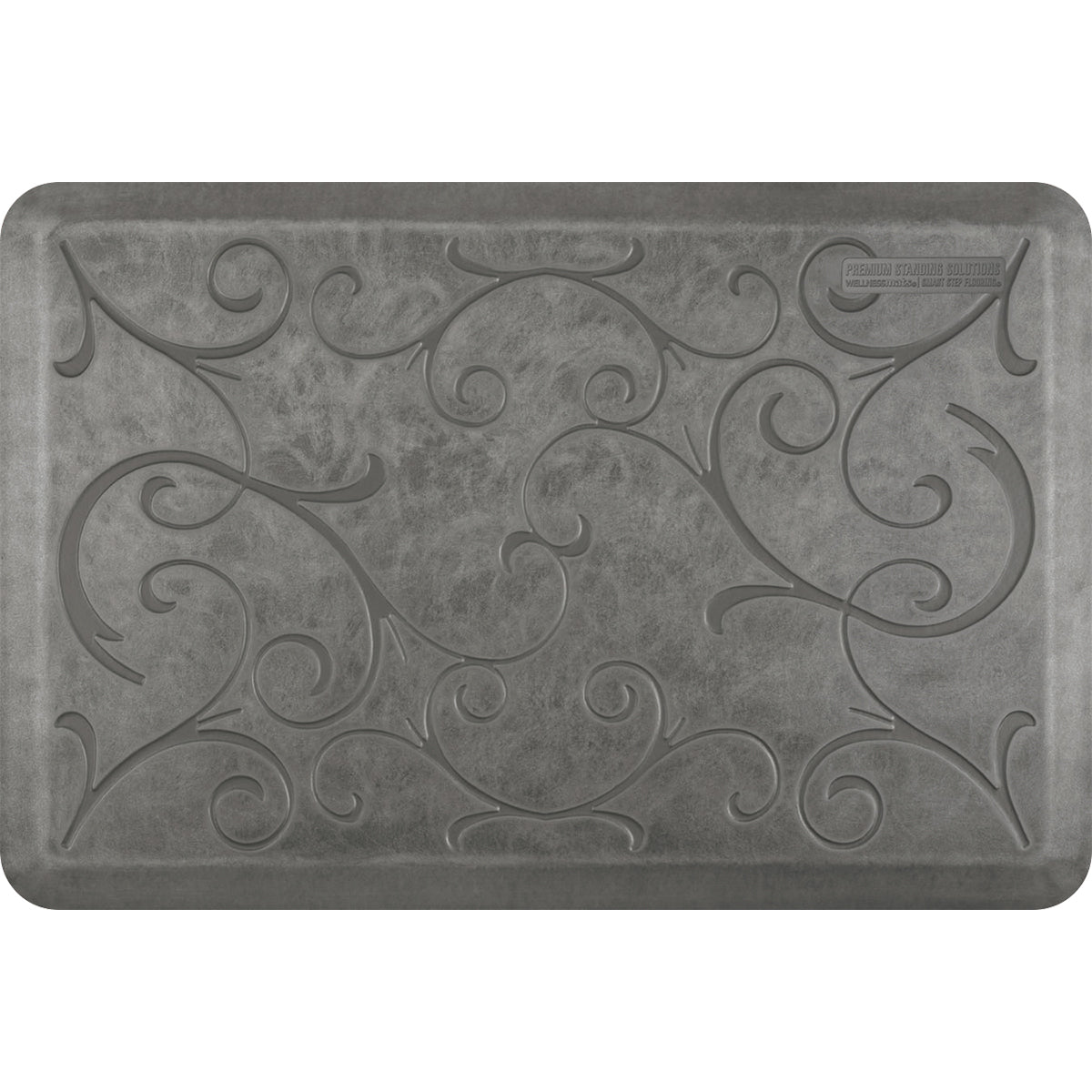
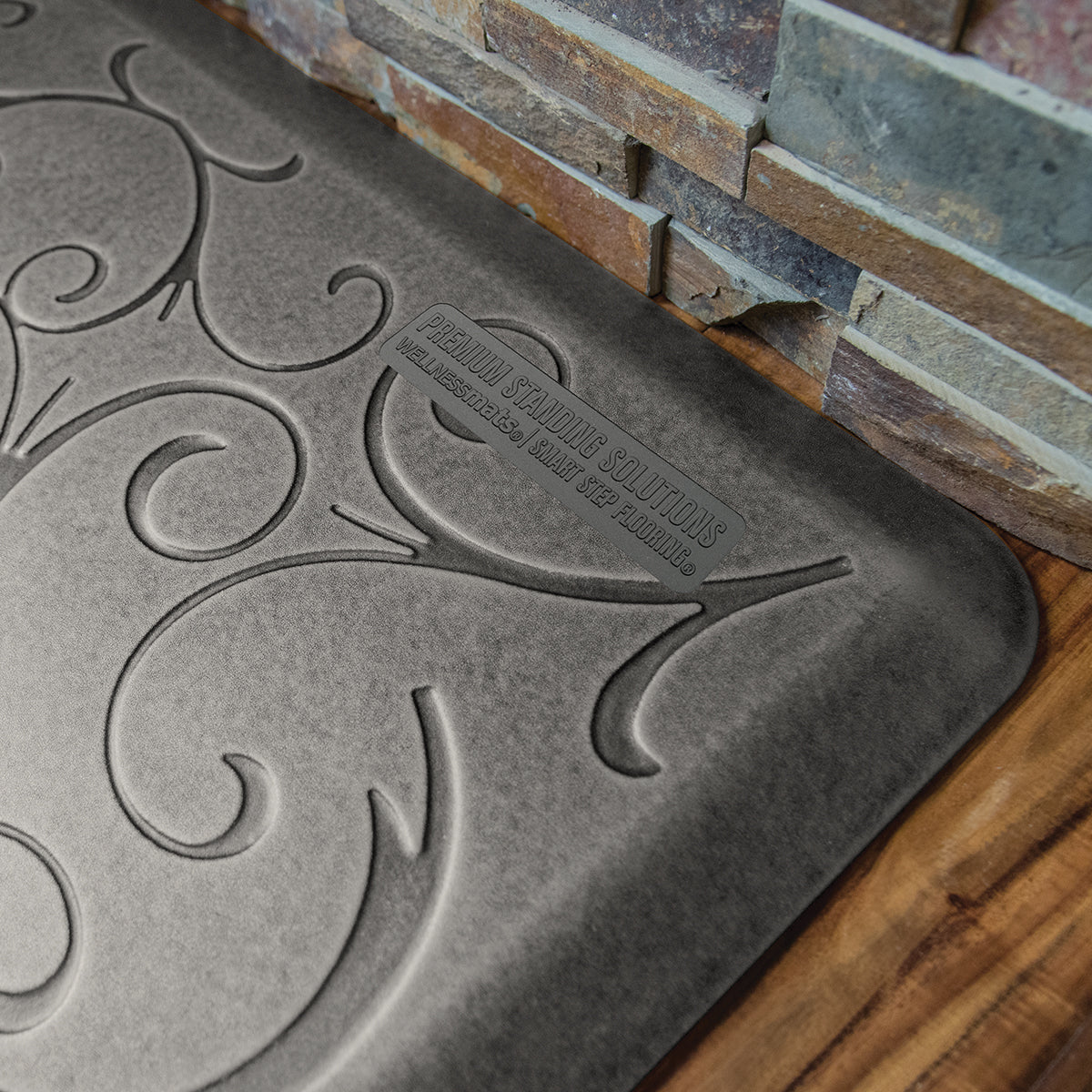
Every custom mat is made with the same premium anti-fatigue material WellnessMats is known for, with smooth beveled edges.

Save, share, revisit
Create a free account to save drafts, share view-only links, download PDFs of your design, and pick up where you left off.


Frequently Asked Questions
What is the difference between a blunt edge versus a beveled one?
A blunt edge is created with our CNC machine to ensure a flush fit up against islands, toe kick plates, etc. A beveled edge is our standard, gradual edge with a slight slope to prevent trip hazards. Any mat measuring 24", 36" or 47" in width will be beveled all around.
Why aren't all colors/styles available for custom orders?
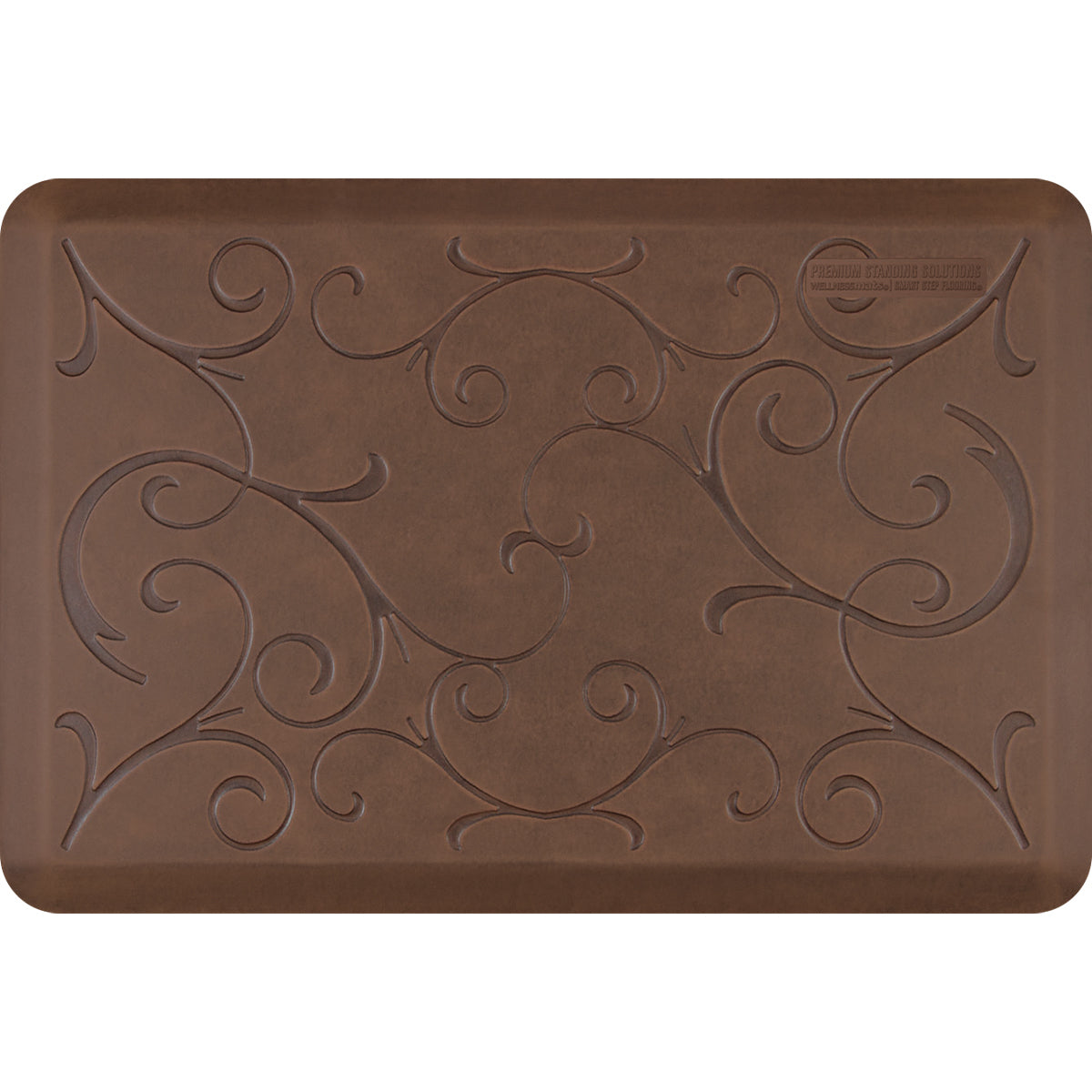
Certain colors are not available in our custom options due to the visibility of the puzzle seam. Styles such as Bella, Trellis, and Linen are not available due to the puzzle piece nature of our customs. The design would not be continuous.
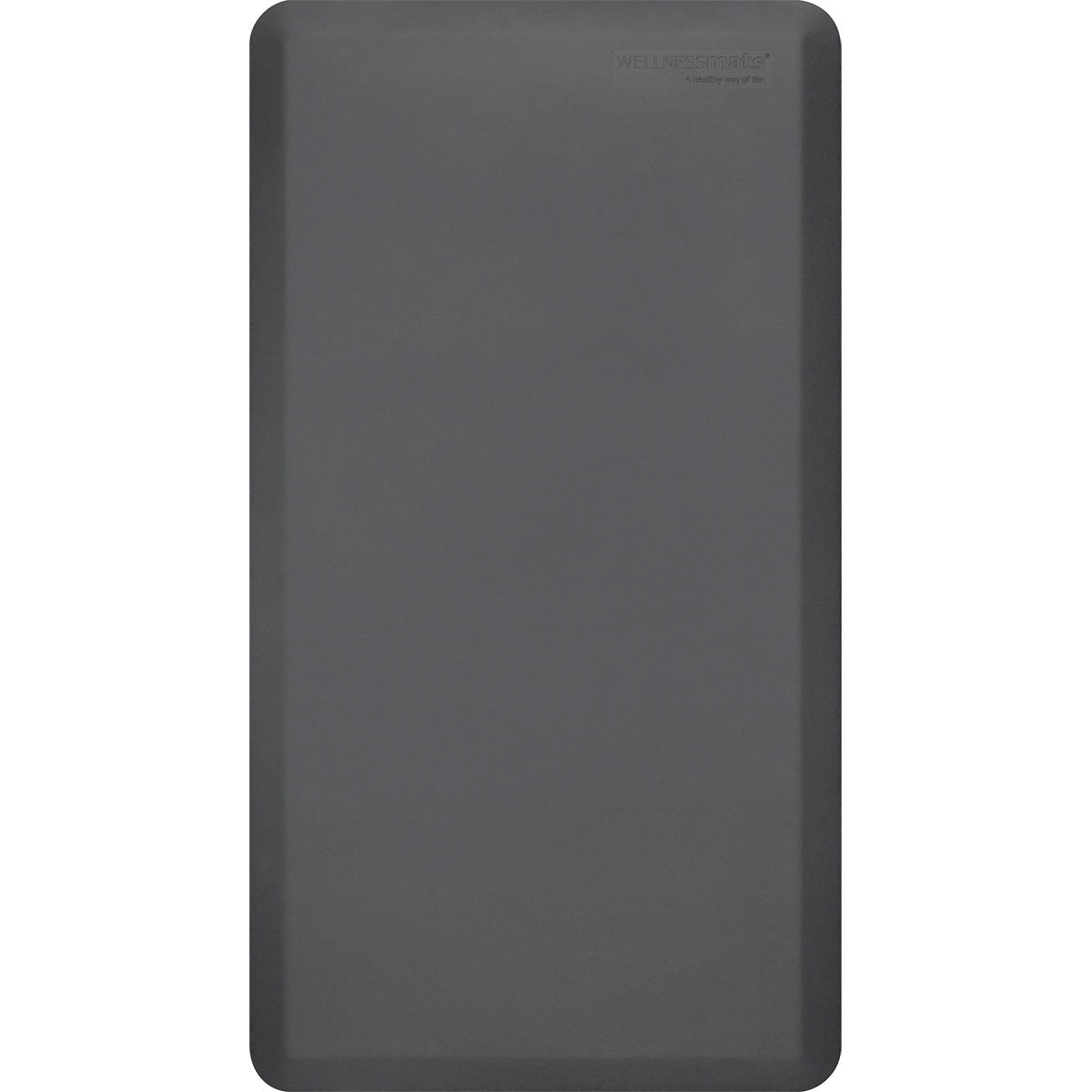
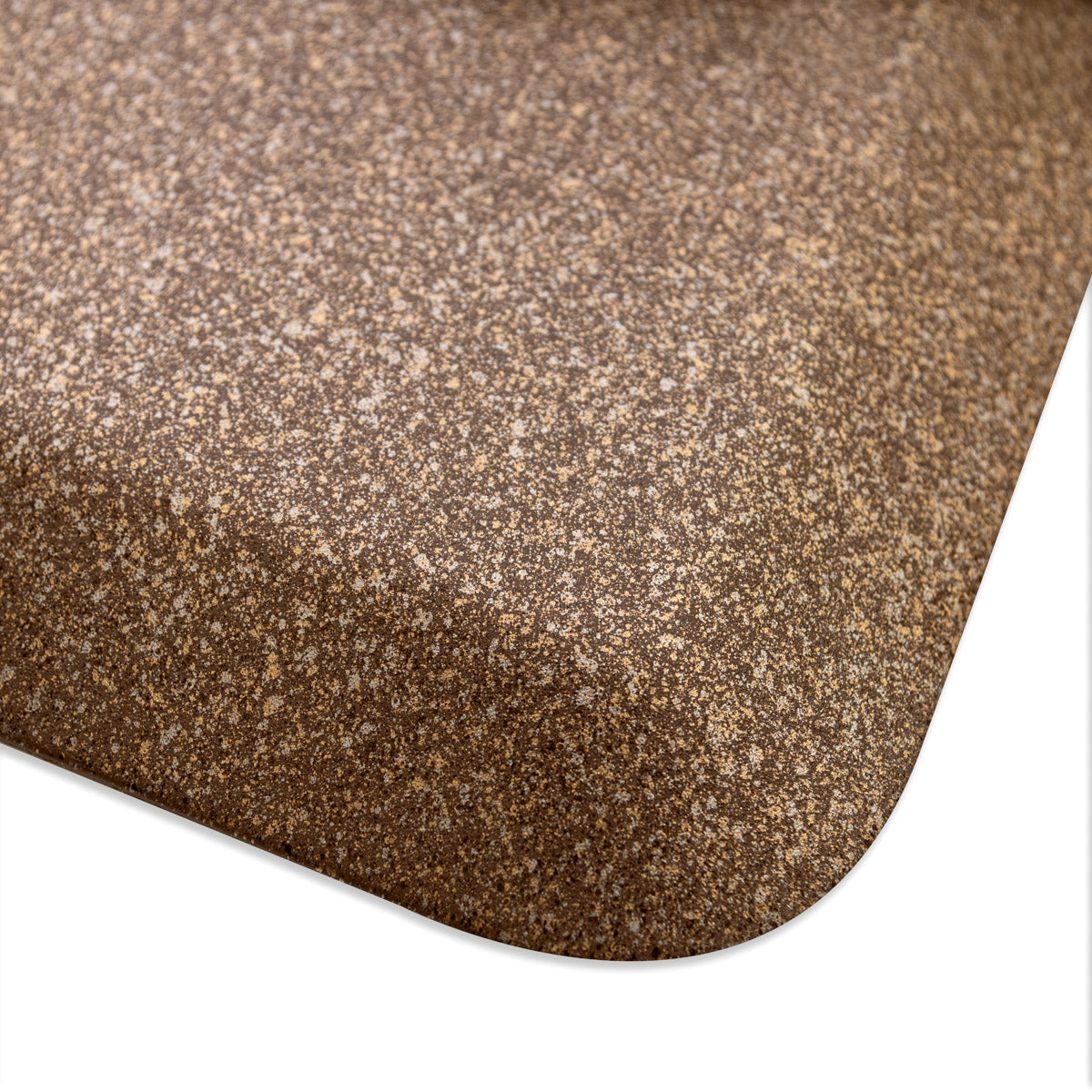
Currently, our custom mats are only available in Gray, Black, Granite Copper, Granite Steel, Granite Onyx, and Granite Topaz.
How do I apply the adhesive tape to my puzzle mat?
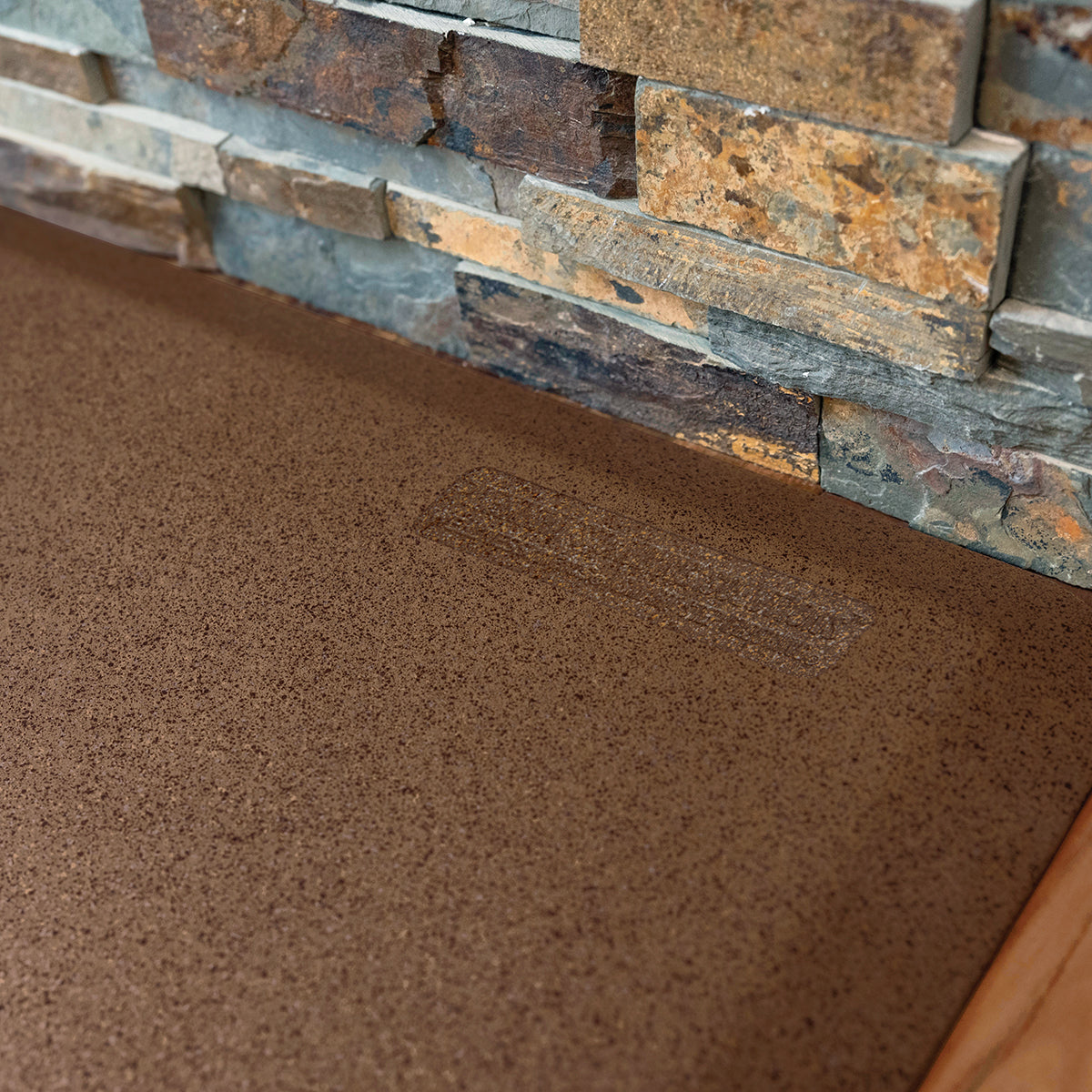
Click Here for an easy-to-follow guide can be found showing how to apply the adhesive tape to the bottom of your custom mat.
How long will it take to get my mat?
Due to the custom nature of our puzzle piece mats, the average lead time is about four weeks from the date your order is placed.














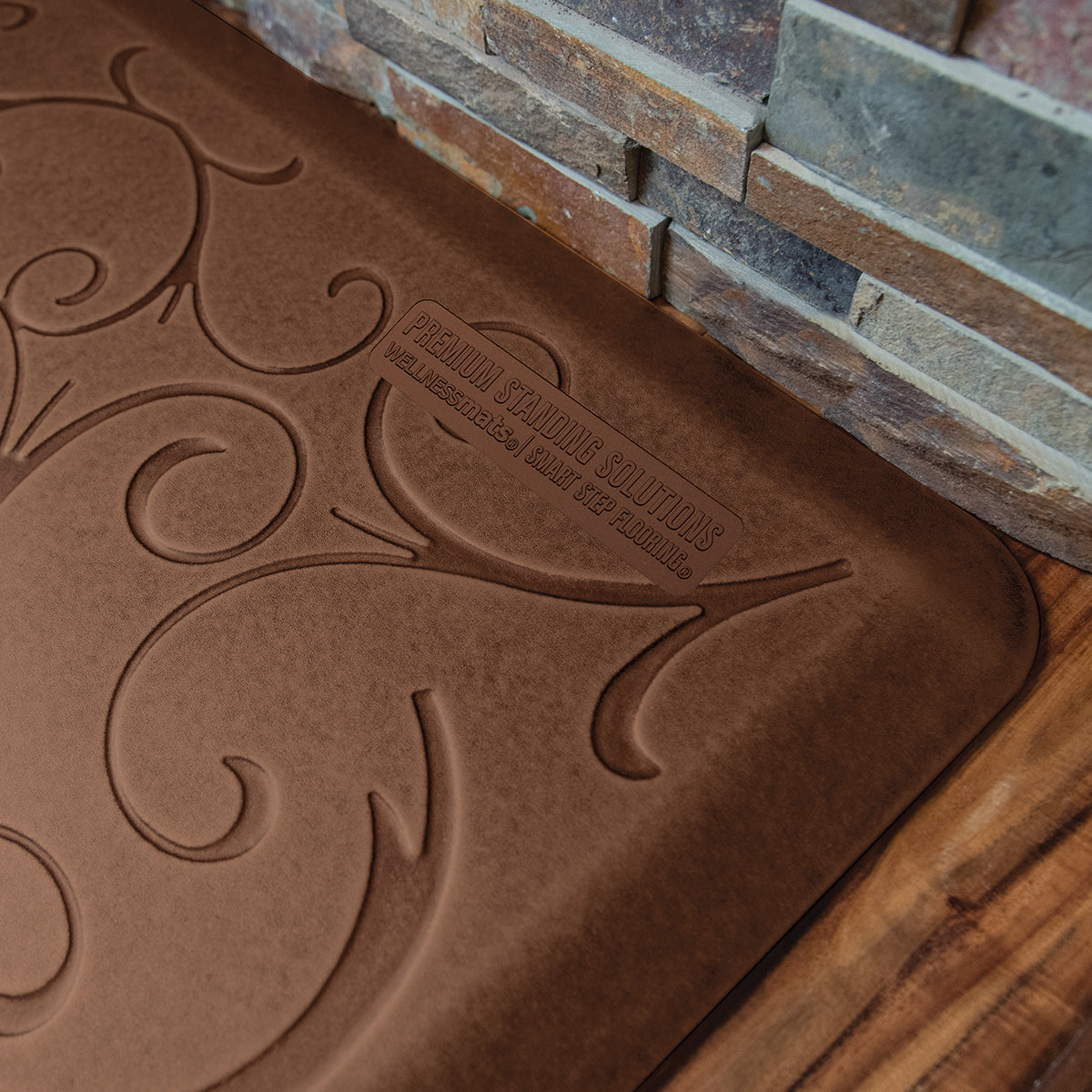


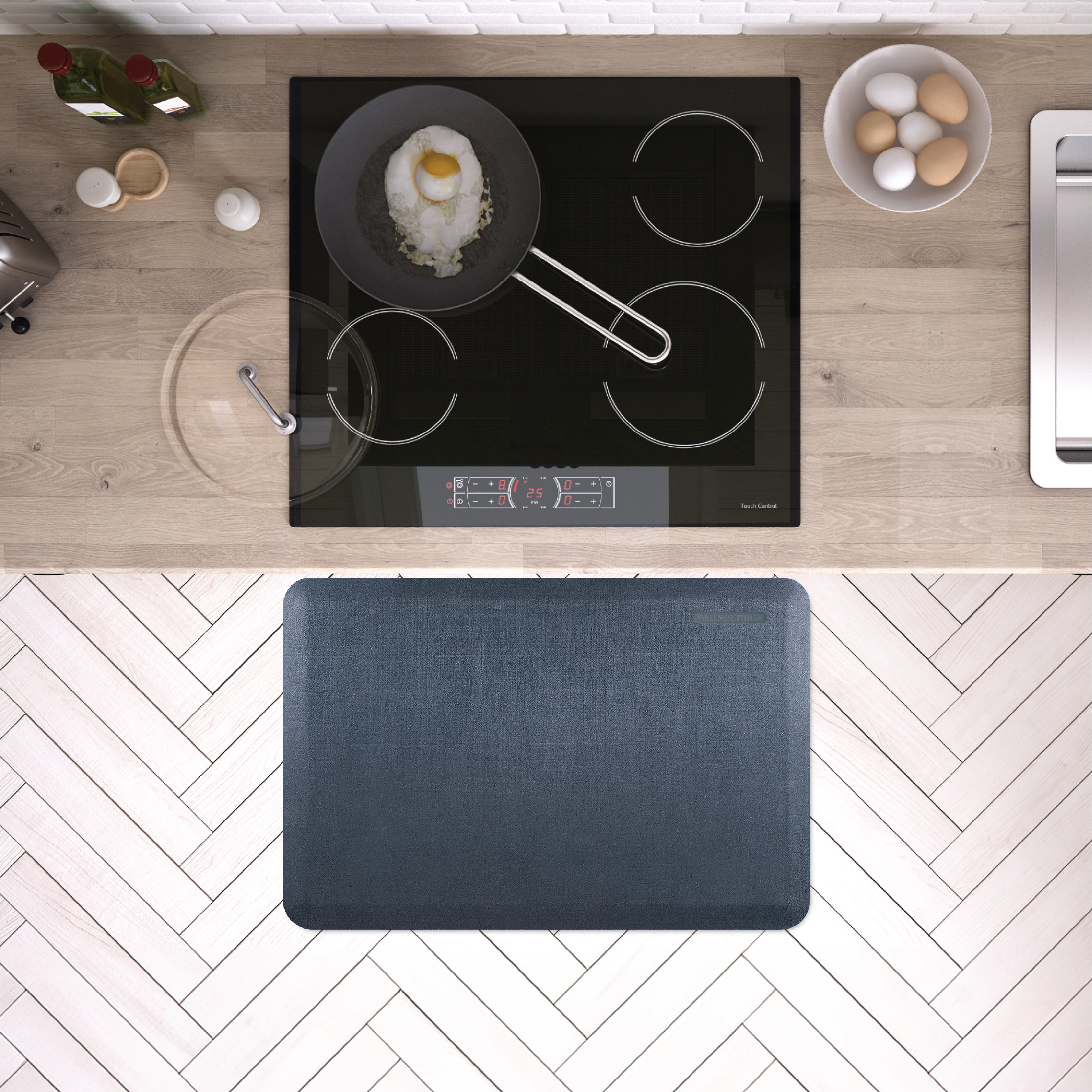
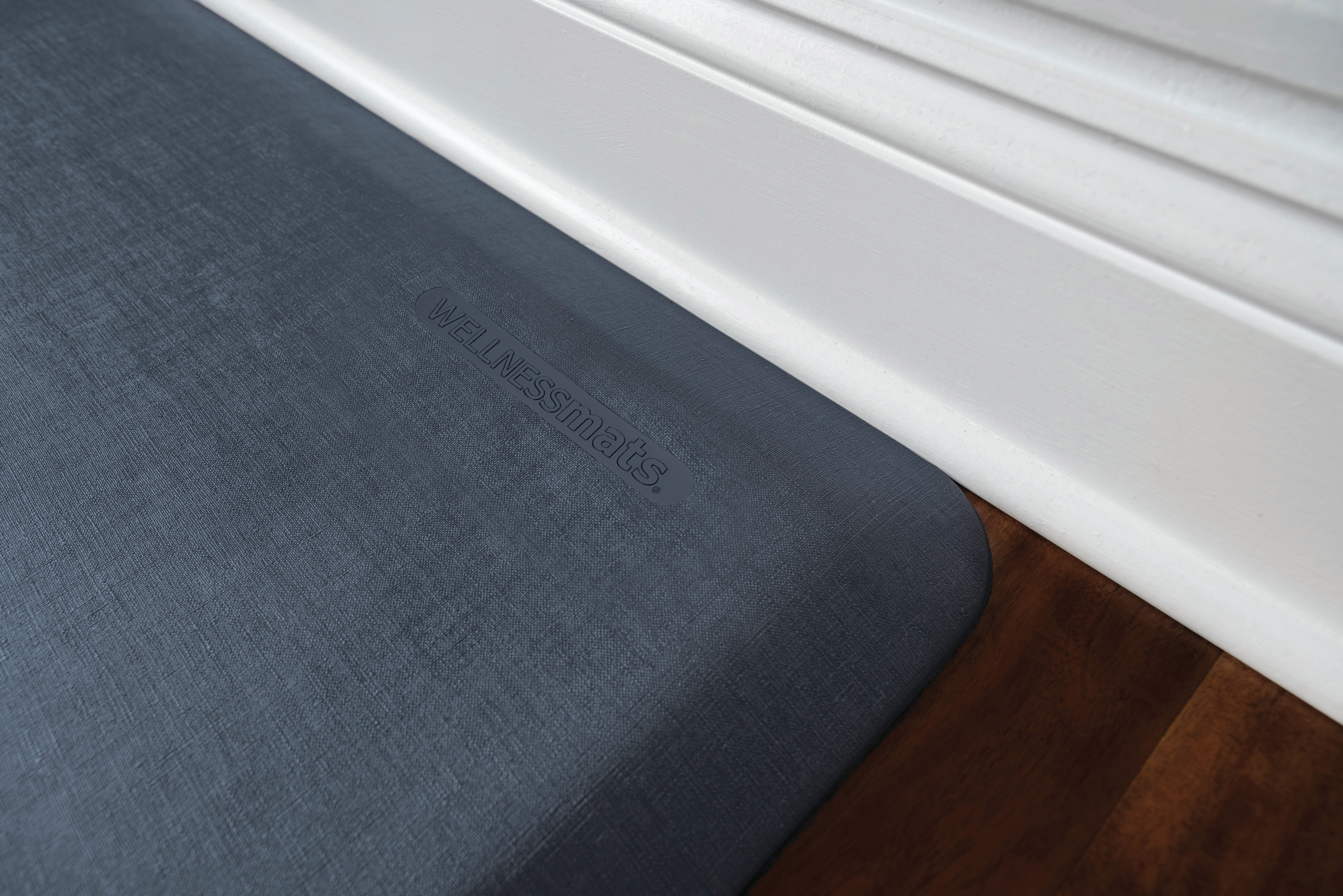


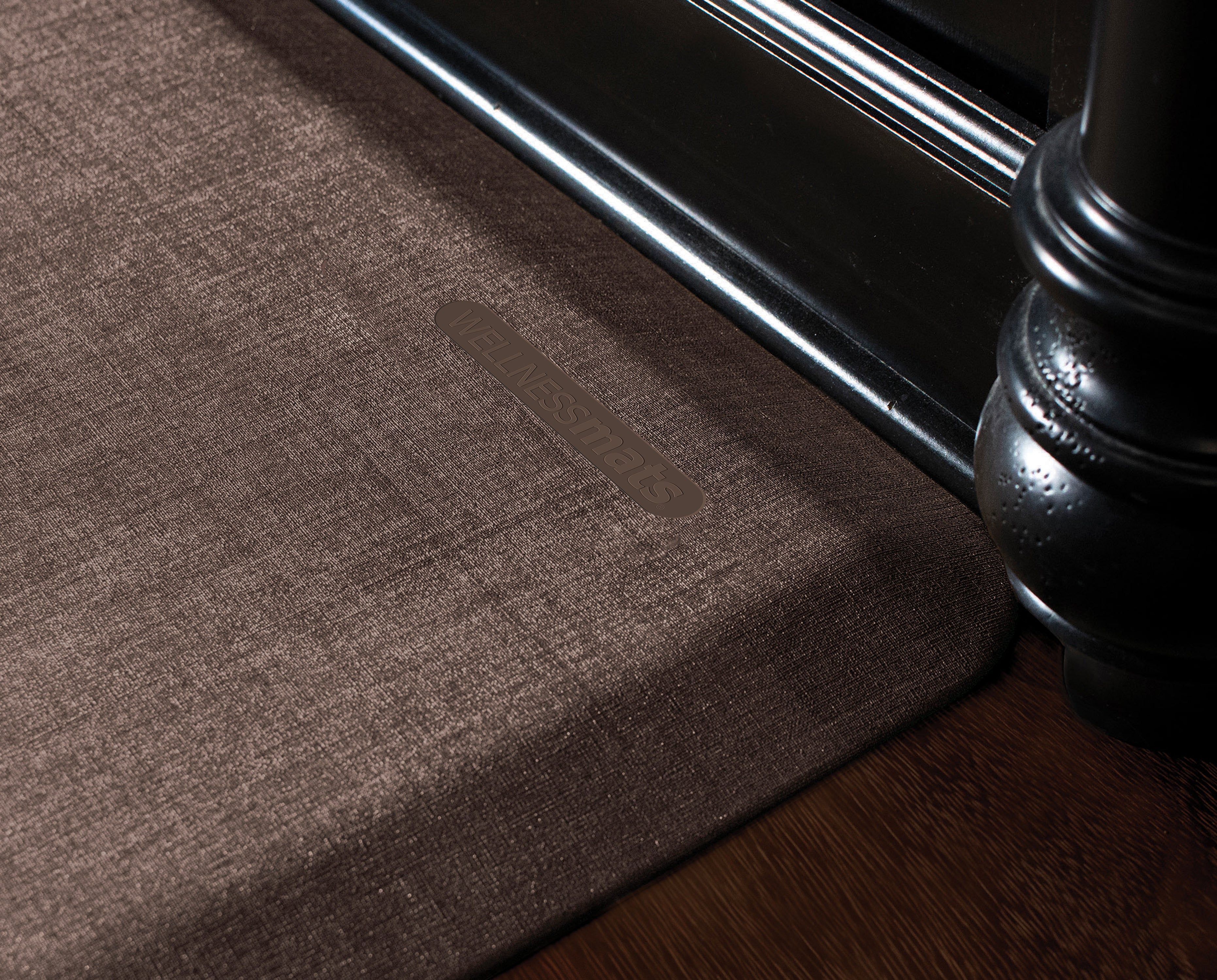
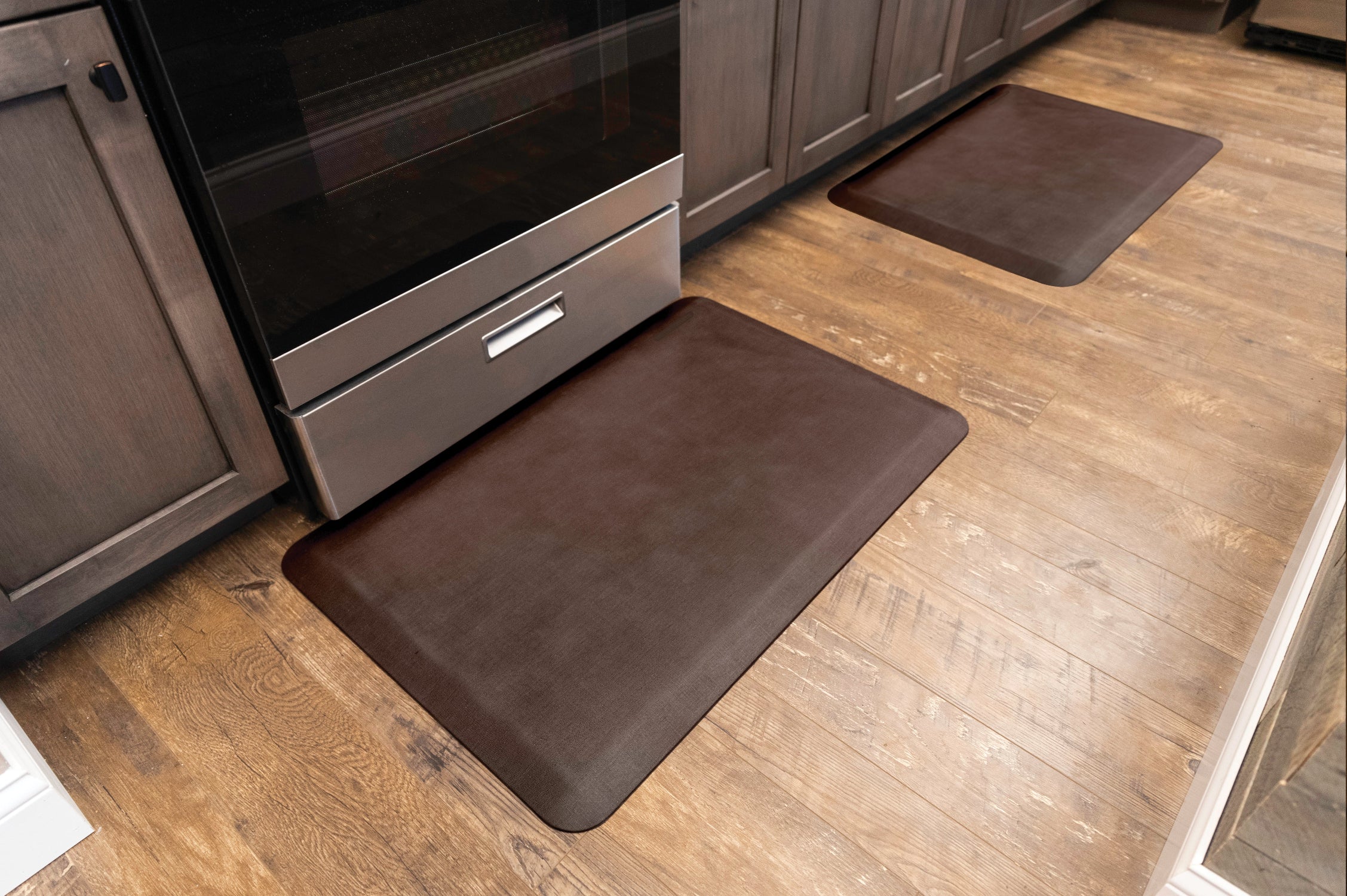
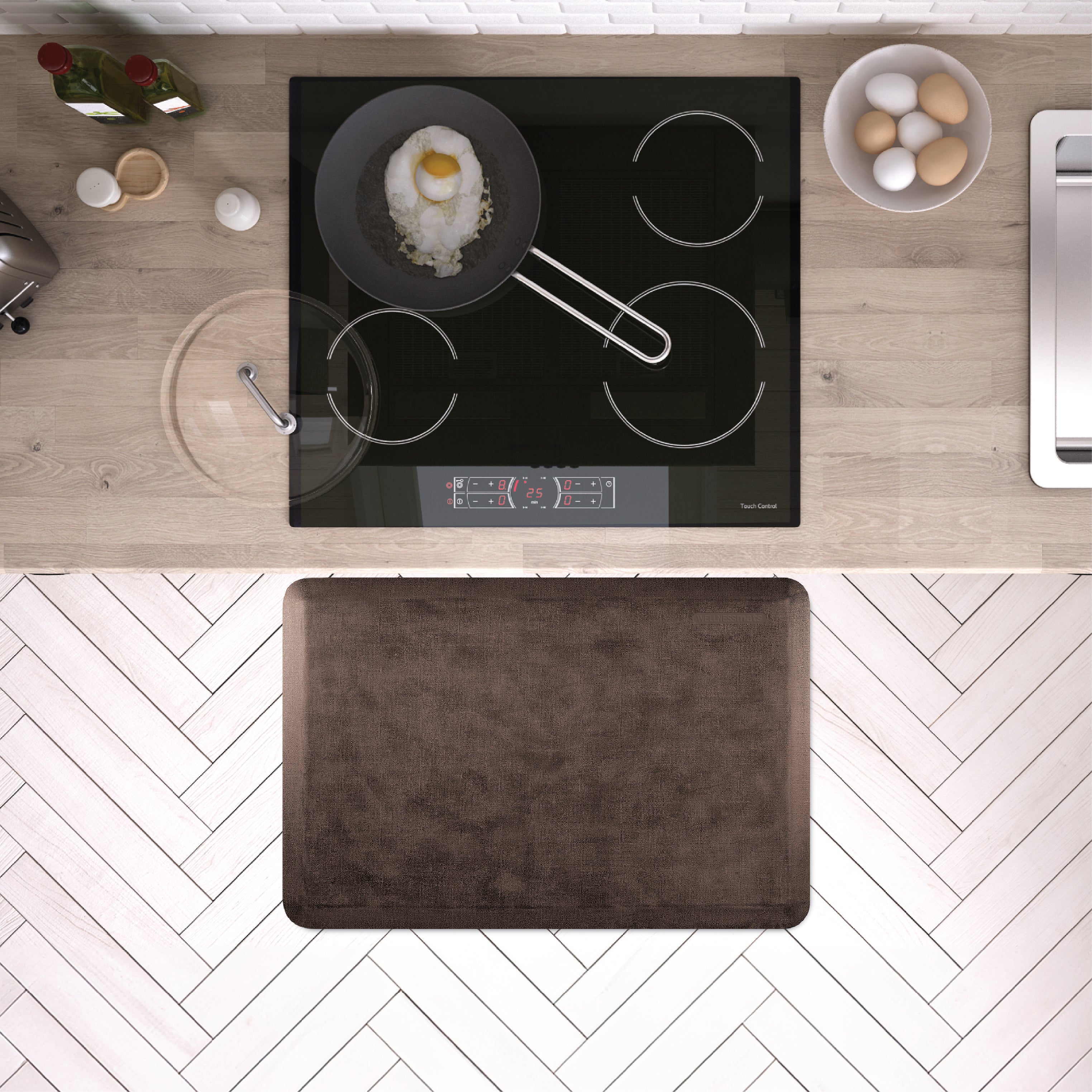




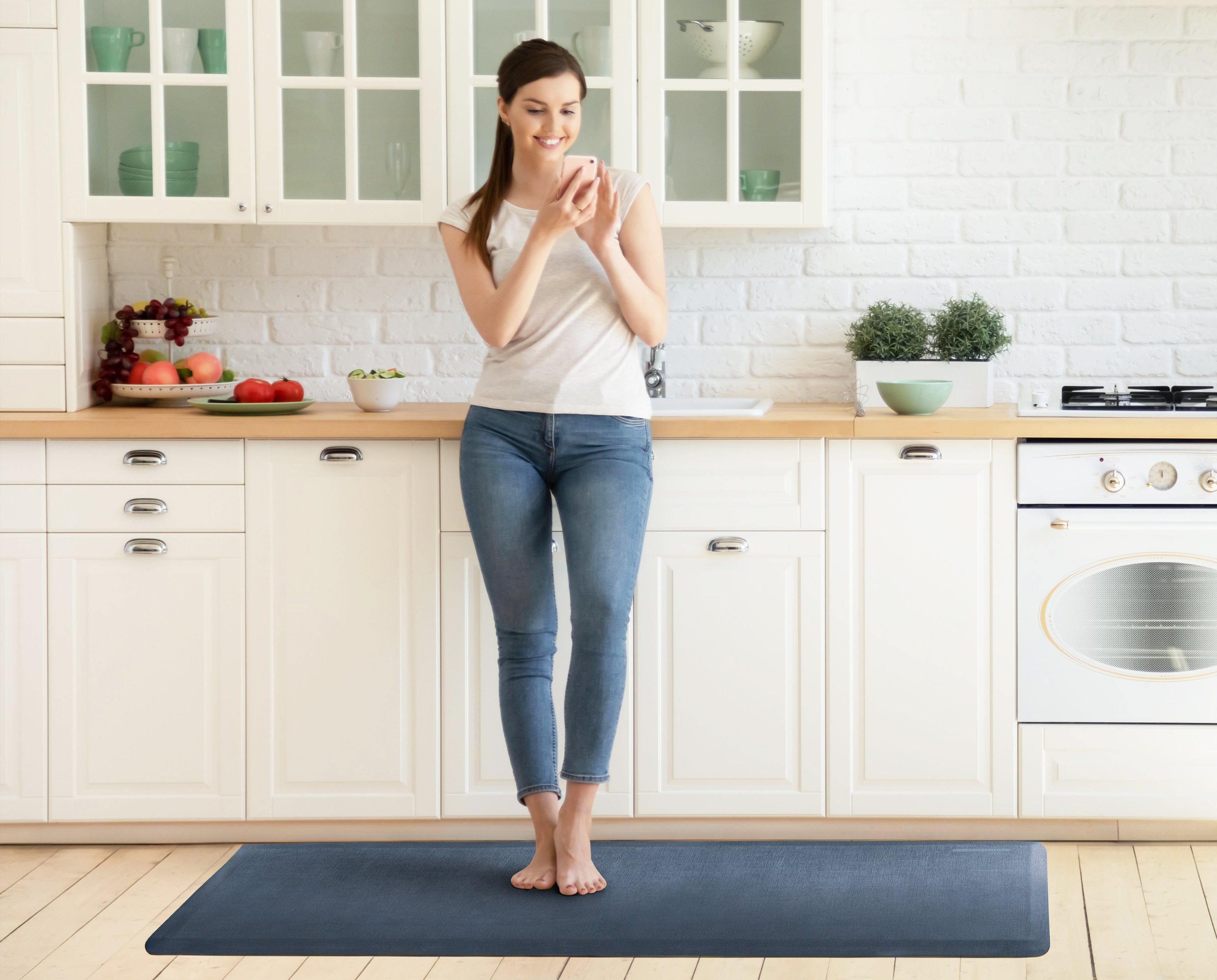




Choosing Your Perfect WellnessMat is Too Easy
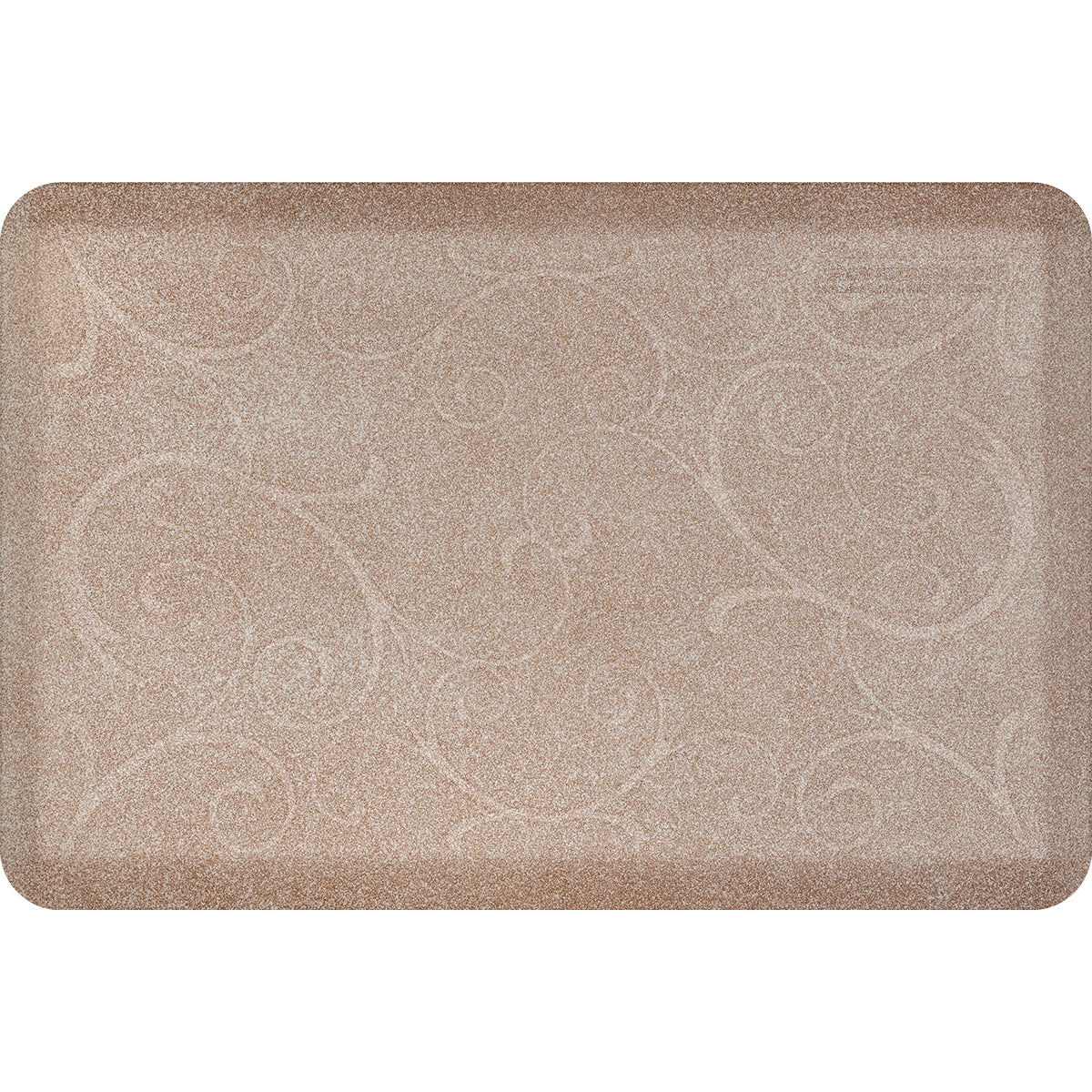
Adding something to your home that could be under your feet for 20+ years shouldnt be guess work. With our Free Color Sample Swatches and View in Your Space Visualizer Tool, you can be absolutely sure before it arrives.

